
Your first opportunity shouldn’t feel out of reach.
Explore roles beyond your course title. Keep campus notices, hiring posts and board listings together, and prepare an application that shows what you can do.
From the first role you save to the interview you ace: one beautifully organised place to discover, prepare and move forward.

Paste the role you're eyeing. Watch it break into the skills, requirements and next moves that actually matter.
THE RIGHT ROLE DOESN’T LIVE ON JUST ONE PLATFORM.
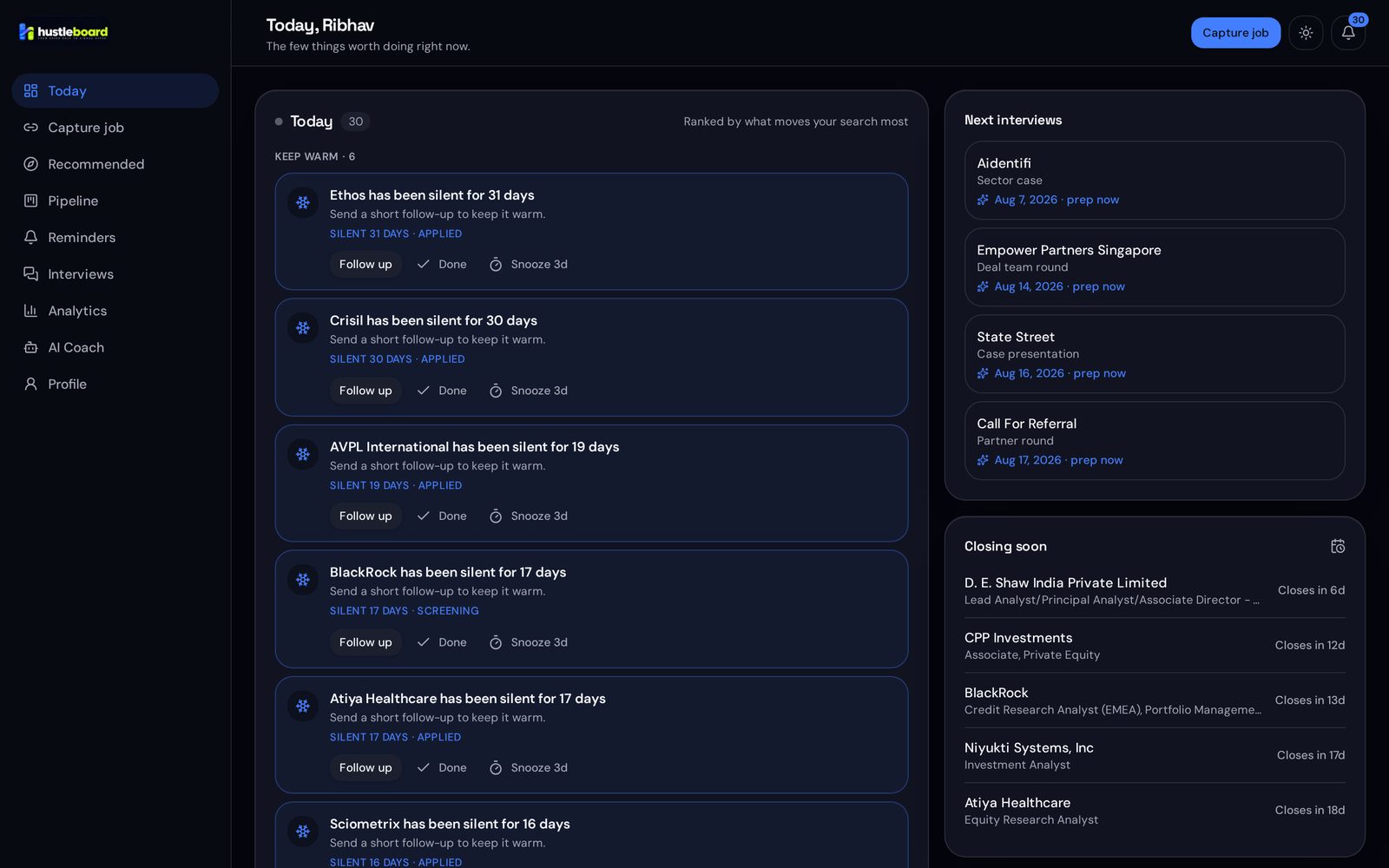
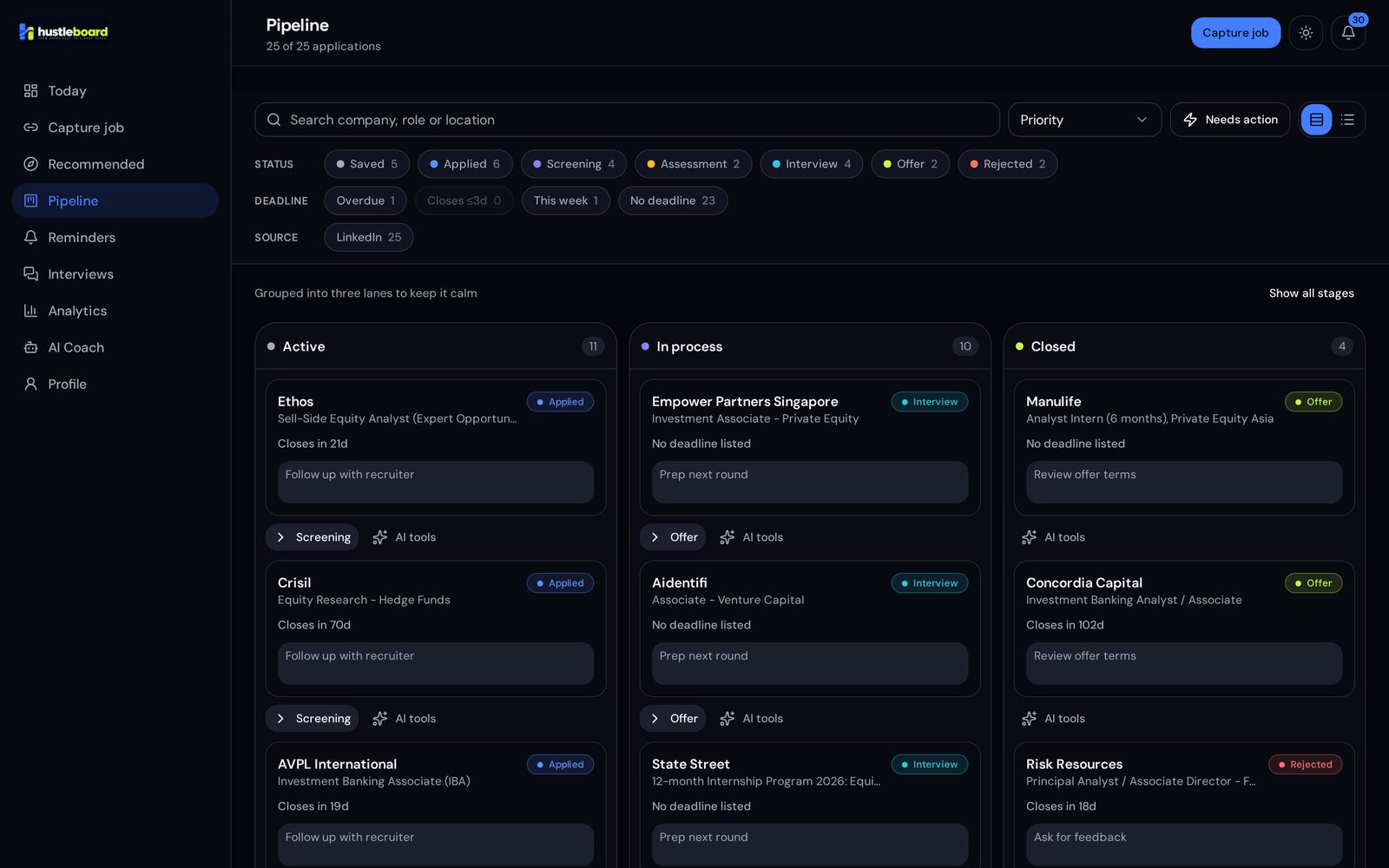
Click through the entire journey. A useful demonstration, not just a screenshot.
Keep the original source attached. See what a vacancy asks for before you decide to save it.
Example Studio · Internship · Hybrid
The same role, without losing the information you need to act.
Try the workflow here: decode a role, move an application and choose your next step. No account needed.
Try the sample or paste a description of your own. Pull out the stated requirements and skills, right here.
Your requirements and skills appear here.
Try the sample, or make this your own.
Text analysis runs in your browser. It does not verify job availability or personal fit.
This demo stays on this page. Your real workspace saves applications and interview preparation; AI features show their credit cost before you start.
Drag across the comparison to see the difference between an improvised search and one organised workspace.
A first internship. A fresh start. A bigger role. Start from where you are.
Explore roles beyond your course title. Keep campus notices, hiring posts and board listings together, and prepare an application that shows what you can do.
You deserve more than a wall of links. Public hiring APIs, structured listings and AI-assisted reading work together—then every candidate vacancy must pass quality checks before it reaches your search.
A source you can return to. Expired, closed, inaccessible and unverified vacancies are filtered from discovery.
Preparation that stays yours. AI suggestions use the role and your experience. You review and decide what to use.
You stay in control. Submit through the employer’s instructions and record it when you actually apply.
Track your search for free. Add prepaid credits for the tools that help you prepare. No subscription. Purchased credits never expire.
Credit packs are coming soon. Paid top-ups open after payment approval. You can start using the free workspace today.
₹0
A place for every opportunity.
₹499 + applicable tax
200 credits · one-time purchase
₹999 + applicable tax
500 credits · one-time purchase
Eight interviewer turns and one feedback report use 55 credits with typed answers. Add eight one-minute recordings and eight spoken questions of up to 250 characters: 103 credits total.
Illustrative voice interview.
Your usage sets the cost.
| Feature | Credits |
|---|---|
| Read a job posting | 5 |
| Read a PDF resume | 15 |
| AI coach reply | 5 |
| Mock interview turn | 5 |
| Draft outreach | 3 |
| Build search profile | 8 |
| Company research brief | 15 |
| Interview feedback report | 15 |
| Tailor a resume | 20 |
| Application kit | 25 |
| Find company contacts | 25 |
| Interview prep pack | 40 |
| Verified opportunity search | 120 per job type |
| Spoken interviewer questions | 2 per started 250 characters |
| Answer transcription | 2 per started 30 seconds |
Opportunity discovery includes an 8-credit search profile, plus 120 credits per job type: 128 for one type or 248 for both. Completed searches can return no matches. Provider failures release the affected action’s credits.
Voice pricing depends on turns, spoken text and recorded audio, rather than elapsed interview time. Record up to two minutes per answer. DOCX reading and pasted resume text are free.
Your application tracker, interview organisation, manual opportunity saving and public RoleLab are free. AI tools use prepaid credits, with prices shown before you start. Purchased credits never expire and there is no subscription.
No. Students, graduates and experienced applicants can choose roles across fields, including law, finance, research, healthcare, design and operations. Add a custom title if your role isn't listed.
Yes. Add the original public link, paste the hiring text from an email or message, or enter the details manually. If a page requires sign-in, paste its text instead.
No. Set target roles to start finding opportunities. Add your resume when you want more personalised application or interview preparation.
Add the opportunity and mark it as already applied. Record the actual submission date, track replies and add interview rounds without restarting the process.
No. It helps you organise and prepare. You review drafts, submit through the employer's route and record any messages or follow-ups you actually send.
One workspace for the opportunities you want and the work it takes to get there.
Let’s make your next move